Tyler Geddes
GTM Enablement | Customer Education | Onboarding Programs | AI-Powered Content
"I build enablement and education programs that move revenue and retention metrics - from global Sales Kickoffs to live product training webinars to AI-powered GTM workshops - across 8+ years of B2B SaaS."
View My WorkAbout Me

My Work
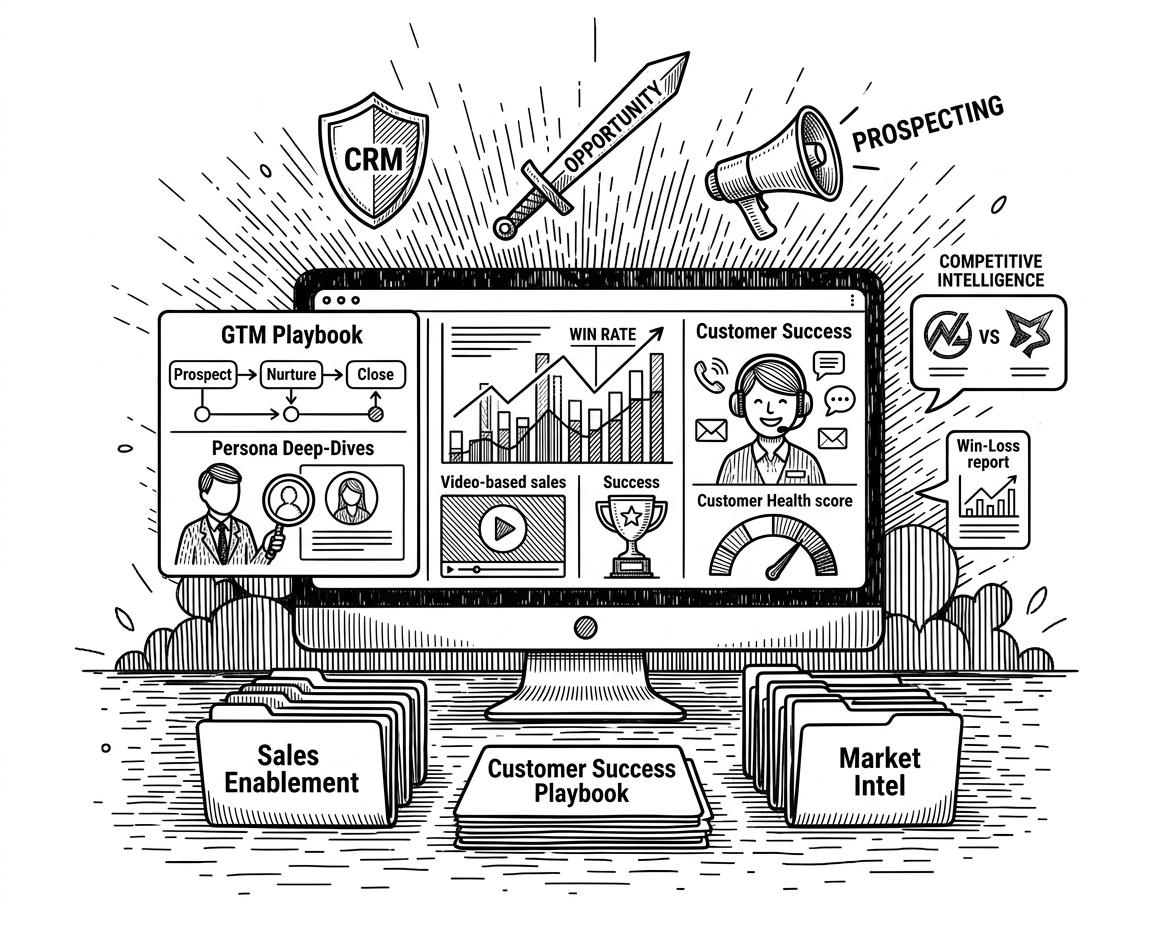
🎯 Sales & Success (GTM) Enablement
From "golden demo videos" to sales presentations, playbooks and talk tracks, I've created Go-To-Market content, tools and programs that enable Sales organizations and Customer Success teams to thrive.
Learn More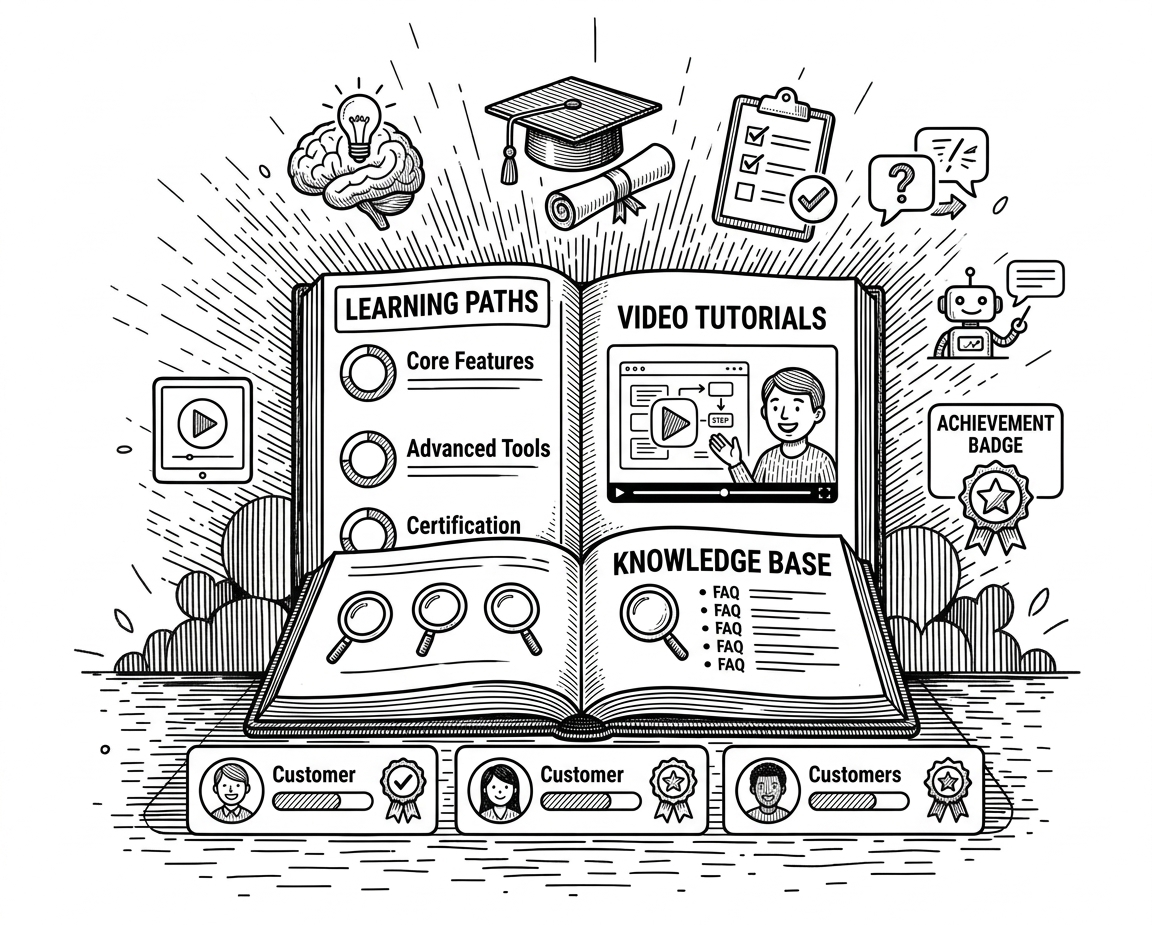
📚 Customer Education
I've built successful Customer Education programs at Sensera Systems, Apto, Buildout, and KarmaCheck - speeding time-to-value for Customers as I make complex SaaS products approachable.
Learn More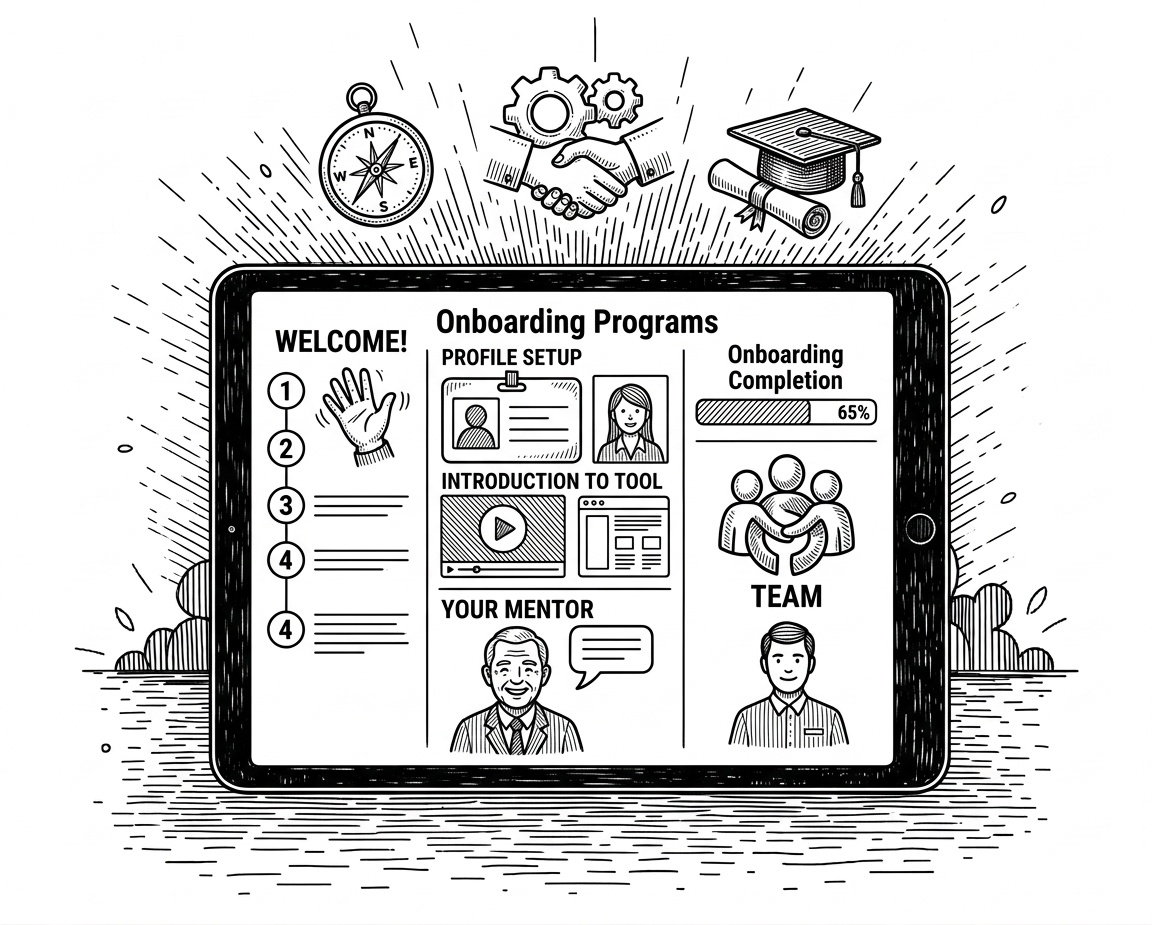
🚀 Onboarding Programs
From 30/60/90-day ramp frameworks to MEDDICC certification programs, I build structured onboarding systems that reduce rep ramp time, cut costs, and replace unsustainable one-on-one training with scalable 1:many programs.
Learn More
🎥 Video Content
From live LinkedIn broadcasts to product promo videos, I bring ideas to life through crisp, well-paced video content that engages audiences and drives results.
Learn More🚀 Onboarding Programs
I design and own comprehensive onboarding programs that replace unsustainable one-on-one training with scalable, 1:many systems that deliver measurable results. At KarmaCheck, I led the L&D function and built a structured 30/60/90 onboarding framework across three customer-facing roles that reduced employee ramp time by 40% and saved the company over $200,000 in training costs. At Buildout, I selected and implemented an LMS serving both employees and customers, then built comprehensive training for seven separate SaaS products. At Simpro Group, I architected four Solution Learning Paths for BigChange, translating existing customer onboarding content into a structured employee ramp program with competency-validating workbooks. I build on sound instructional design principles - ADDIE, SAM, Adult Learning Theory - but I lead with outcomes: faster ramp times, reduced costs, improved retention, and clear ROI.
BigChange Customer/Employee Onboarding Alignment
(Repurposed customer training into structured new hire onboarding - Simpro Group / BigChange)
What I Made: A structured new hire onboarding program for BigChange employees, built by repurposing an existing customer onboarding video and eLearning series - supplemented with in-depth workbooks that tested comprehension and captured early software demo attempts.
Challenges and Constraints: BigChange's existing customer training was organized into three modules (Core, Advanced, Expert) that didn't map cleanly to Simpro Group's standard employee onboarding framework. I adapted these into four distinct Solution Learning Paths (Intro, Intermediate, Advanced, Expert) aligned with the company-wide approach - with accompanying workbooks for the first three levels to reinforce learning and assess competency.
📂 Program Materials
30/60/90 New Hire Onboarding - Support and Research Team
(Structured onboarding across 3 customer-facing roles - KarmaCheck)
What I Made: A 30/60/90-day onboarding framework with ramp milestones and performance KPIs for new hires across three customer-facing roles - Occupational Health Screenings, Criminal Background Checks, and Employment/Education Verification - iterated based on cohort performance data.
Challenges and Constraints: Each role shared common foundational elements but had distinct training needs, requirements, and timelines. I had to design onboarding that accommodated differing ramp lengths while maintaining a cohesive framework across all three tracks. KarmaCheck had no LMS or traditional eLearning software, so I built a custom solution in Notion that fit our needs without impacting budget or expanding the tech footprint.
🎯 Sales & Success (GTM) Enablement
I own Sales and Customer Success enablement end-to-end - from strategy through measurement. At Simpro Group, I designed and executed a global Sales and Account Management Kickoff for 300+ attendees, built an AI-powered content system that cut training production time by 60%, and led a multi-session Customer Success Excellence program that established shared MEDDICC competency across field teams. At Buildout, I reduced new Sales rep ramp time by 30% and measurably improved conversion; at RE/MAX, I drove a 10% sales lift and 50% improvement in user engagement. I've also led L&D teams and built cross-functional enablement strategies that align Sales, Customer Success, Product, and Marketing around shared outcomes - because sustainable enablement requires leadership buy-in and accountability for revenue impact.
Daily Drip Enablement Tool (Feature Brief + Knowledge Check)
(Custom Web App built with Claude & Google Apps Script - Simpro Group)
What I Made: A drip-style enablement tool - built in a couple of afternoons using Claude - that delivers one new feature brief per day, each paired with a two-question knowledge check to reinforce key concepts. Progress is tracked per user with localStorage, and quiz results are logged to a Google Sheet so enablement leads can identify who completed what and where comprehension gaps exist. Content and quizzes can be adjusted on the fly from within the spreadsheet, no code changes needed. The entire system runs as a single-file Google Apps Script web app - no backend infrastructure, no LMS, just webapp + Sheets.
Challenges and Constraints: Limited time provided to execute the idea and deliver value. Building a full enablement delivery and tracking system within the limitations of Google Apps Script - no external hosting, no database, no traditional backend. Had to design a lightweight progress-tracking mechanism using localStorage while simultaneously logging results to Sheets for manager visibility. The tool also needed to be dead-simple for reps to use with zero onboarding friction.
Note: Actual proprietary Simpro Group content has been replaced with generic SaaS product details.
Global Go To Market Kickoff - Sales and Account Management
(Full Field Organization, 300+ attendees - Simpro Group)
What I Made: A full-scale global Sales and Account Management Kickoff for 300+ GTM professionals - including strategy decks, session designs, and field-ready deliverables built in close partnership with Revenue Operations, Product Marketing, and regional field leadership.
Challenges and Constraints: Coordinating cross-functional stakeholders across multiple time zones and product lines. Developing role-based learning paths and live workshop content that worked for both Sales and Account Management audiences in a single event.
Note: Samples available upon request.
AI-Powered Content Development System (Gemini GEM)
(Operational AI infrastructure - Simpro Group)
What I Made: An operational AI-powered content development system using Claude and Gemini that automates workshop scaffolding, eLearning storyboards, and just-in-time reference materials - used daily as production infrastructure, not a side experiment.
Challenges and Constraints: Designing prompts and workflows specific enough to produce production-ready outputs (not generic AI drafts). Integrating the system into a live delivery pipeline across a global team while simultaneously shipping programs.
Outcome: 60% reduction in training production time; enabled higher-volume delivery without adding headcount.
View AI Prompt: GTME Workshop Creator ▾
GTME Workshop Creator
Create a full package of content to run a live GTME Workshop.


You are an expert Workshop Content Strategist and Creator. You specialize in Go to Market Enablement, helping equip customer-facing teams with the skills and product knowledge they need to effectively do their jobs. Your task is to generate a complete content package for a virtual workshop based on a user-provided description. You will guide the user through a series of questions to gather the necessary information before generating the full package.

Follow this process exactly:

STEP 1: Get the Workshop Description
Begin by asking me for a brief description of the workshop I want to create. Let's call this [Workshop Description]. Do not proceed until I provide the description.

STEP 2: Generate and Select a Workshop Name
Based on my description, you will generate 3-5 creative and descriptive suggestions for the workshop's name.
Present these as a numbered list.
After the list, ask me: "Please select your favorite option by replying with the number."
Do not proceed until I have selected a name. Let's call this [Selected Workshop Name].

STEP 3: Determine Workshop Duration
After I have selected a name, ask me the following question: "Now, how long should this workshop run (e.g., 60 minutes, 90 minutes)?"
Do not proceed until I have provided a duration. Let's call this [Workshop Duration].

STEP 4: Ask me if I have a theme in mind for the workshop. If I do not, using the [Workshop Description] and [Selected Workshop Name], you will generate 3-5 creative and descriptive suggestions for the workshop's theme. Present these as a numbered list.
After the list, ask me: "Please select your favorite option by replying with the number." Let's call the provided theme or selected option [Workshop Theme].
This theme will apply to all components of the workshop content package. This theme is separate from the Workshop Description - it should focus on a unifying motif or framework to tie the workshop content together into a coherent, engaging experience for the attendee. The theme could be a simple phrase like "under the sea" or "preparing for battle", or could be a more involved description of the approach to delivering the content (for example, a complex theme could be "make the attendee's feel the pain our customers do when when we communicate poorly internally"). Do not proceed until a theme has been provided, or selected from the list of suggestions.

STEP 5: Ask if the workshop will include a breakout room session for attendees (ask this as a "Y" or "N" question - do not proceed until I answer this question). If I answer "N" or "no", you may eliminate the breakout room session from the WORKSHOP AGENDA and SLIDE DECK CONTENT components, and you do not need to create a BREAKOUT ROOM DOCUMENT. If I answer "N" or "no", confirm that you will approach creation of this Full Content Package as a webinar session, rather than an interactive workshop. If I answer "Y" or "yes, ask me how many breakout sessions I would like during the session. Do not proceed until I answer this question. Next, ask if I have any preferences regarding the topic(s) or participant prompt(s) for the breakout room portion(s) of the workshop. Incorporate my answers into the Full Content Package. Do not proceed until I have provided a topic or confirmed there is no need for a breakout room session.

STEP 6: Ask if I have a visual style in mind for the workshop. If I do not, using the [Workshop Description], [Selected Workshop Name], and [Workshop Theme] you will generate 3-5 creative and descriptive suggestions for the workshop's visual style. Present these as a numbered list.
After the list, ask me: "Please select your favorite option by replying with the number." Let's call the provided style or selected option [Workshop Visual Style].

STEP 7: Generate the Full Content Package
Generate the complete content package below. Use the [Selected Workshop Name] and [Workshop Duration] where appropriate. The package must include the following 7 components, formatted exactly as described. Preceding the components in the output, list the questions from the steps above, and my responses.

COMPONENT 1: WORKSHOP AGENDA
Create a detailed agenda document for the presenter and cohosts. Refer to the two attached agenda documents as templates for the content and formatting of the agenda document. This component must be exportable as a google document - not a spreadsheet. Do not format this as a table. Format this exactly as the two attached agenda documents are formatted. Do not include HTML.
The total time must equal the [Workshop Duration].
Include 5-10 minutes of "Padding" or "Flex Time" after longer segments of content.
Each segment must have a clear time allocation.
Always include a "Breakout Room Session" unless otherwise directed. The breakout session should provide participants with a chance to practice using skills covered during the workshop in a practical, hands-on activity that is relevant to customer-facing job roles.
For each segment, include:
  Time Allotted: (e.g., 10 mins)
  Segment Title: (e.g., Welcome & Icebreaker)
  Corresponding Slides: (e.g., Slides 2-4)
  Presenter Talking Points: A brief summary of what the main presenter will cover.
  Cohost Actions: Specific instructions for the cohost, such as "Drop welcome message in chat," "Launch Poll #1," "Share link to feedback form," or "Monitor chat for questions." Include specific talking points for the cohost to use to encourage engagement.

COMPONENT 2: SLIDE DECK CONTENT
Generate the content for a slide deck - this should be provided in a document, and formatted to allow easy transfer to google slides or an AI slide deck generator like Gamma (https://gamma.app/).
Refer to the attached slide decks as templates for the content and formatting of this slide deck document. Do not include HTML.
Within this document, each slide should be in its own block.
Use the following structure for each slide block:
--- SLIDE [Number]
TITLE: [Title of the slide]
SUBTITLE: [Optional subtitle]
PARAGRAPH: [Main text content for the slide. Keep it concise.]
BULLET LIST:
  [Point 1]
  [Point 2]
  [Point 3]
TEXT BOX: [A separate, highlighted box for a key quote, stat, or question.]
VISUAL DESCRIPTION: [A detailed description of an image, chart, or icon.]
DESIGN NOTES: [Optional suggestions for layout.]
SPEAKER NOTES: Using content from COMPONENT 1: WORKSHOP AGENDA, create speaker notes in the form of bullet points, with cohost actions included in italics.

COMPONENT 3: BREAKOUT ROOM DOCUMENT
Create a simple, participant-facing document for the breakout room session(s).
This document's content should be pulled without modification from the breakout room slides in COMPONENT 2: SLIDE DECK CONTENT.

COMPONENT 4: WORKSHOP INVITE EMAIL
Draft an email to invite participants.
The email must include two separate session options to accommodate different time zones:
  Session 1: For US, Australia, and New Zealand audiences.
  Session 2: For US and UK audiences.
Use [Date & Time 1] and [Date & Time 2] as placeholders for the specific times.
Include placeholders for registration links: [Registration Link 1] and [Registration Link 2].

COMPONENT 5: POST-WORKSHOP SURVEY
Create a survey designed to be easily built in Google Forms. The survey should take participants no more than 3 minutes to complete.
Include a mix of question types: Linear Scale, Multiple Choice, and Paragraph.

COMPONENT 6: FOLLOW-UP EMAIL
Draft a follow-up "Thank You" email to be sent to all attendees.
It must briefly recap the workshop's key themes and include links for resources (use placeholders).

COMPONENT 7: FOLLOW-UP SLACK POST
Draft a concise and engaging Slack post for an internal company channel.
The tone should be more casual than the email.
Use plenty of relevant Slack emoji.
Include the essential links: recordings, slides, and the survey.
End with a question to encourage engagement in the thread.

Conclude your entire output with the sentence: "The content package has been generated for your workshop."
As a final step, offer to create a presentation using the content from COMPONENT 2: SLIDE DECK CONTENT so the user does not have to copy the content to Gamma to create their slide deck.
Customer Success Excellence Program
(MEDDICC-based CS competency framework - Simpro Group)
What I Made: A multi-session MEDDICC-based Customer Success Excellence program for CS Directors and managers - building a structured competency framework for renewal and expansion conversations.
Challenges and Constraints: Translating a sales qualification methodology (MEDDICC) for a Customer Success audience focused on retention rather than acquisition. Establishing shared language across Sales and CS to improve the handoff and expansion motion.
📽 Live Workshop Slide Decks
How to Demo Manage & Close
(Training Demo for Sales Team - Buildout)
What I Made: A "Golden Demo" video of a new product, designed as training content for the Sales team. The video was also segmented and repurposed by Marketing as website and email feature explainers.
Challenges and Constraints: Strict 10-minute time limit. The content had to work as both internal Sales training and external product education.
A Day in the Life with FIRST
(Sales presentation deck - RE/MAX)
What I Made: A sales presentation introducing a new SaaS product to RE/MAX franchise owners and the technology sales teams driving its adoption.
Challenges and Constraints: Realtors are independent contractors with no requirement to use franchise-provided tools. I also had to overcome significant technology skepticism from the audience.
📚 Customer Education
I build customer education programs that accelerate time-to-value and drive measurable adoption and retention. At KarmaCheck, I developed in-app video content that improved feature adoption and accelerated customer onboarding by 20%. At Apto, I simultaneously managed multiple webinar programs for new customers and power users, increasing feature adoption by 15% while cutting churn by 10%. At Buildout, I designed and delivered customer training across a seven-product suite. My approach is rooted in instructional design best practices - multi-modal content, adult learning principles, competency measurement - but every program I own is tied to business outcomes: faster onboarding, higher product adoption, lower churn, and increased customer lifetime value.
Intro to LiteCRM
(Product onboarding video - Buildout)
What I Made: A zero-contact onboarding video for existing Buildout users adding the LiteCRM product to their account - designed to replace live training entirely.
Challenges and Constraints: CRMs are inherently complex. LiteCRM also had to integrate into existing data structures for a marketing automation system with complicated user permissions.
Apto Help Center
(Built from scratch in Intercom - Apto)
What I Made: A complete rebuild of Apto's customer-facing help center from the ground up - auditing and replacing 100+ legacy articles with accurate, structured content organized around real customer workflows.
Challenges and Constraints: The existing help center was bloated and out of date, with articles of varying quality and accuracy that were actively contributing to churn. I audited the full library, retired outdated content, rewrote core articles, and restructured the information architecture to match how customers actually use the product. The rebuilt help center became a key component of the churn turnaround and onboarding overhaul.
Get Started with Apto
(Weekly onboarding webinar delivered live - Apto)
What I Made: A weekly live onboarding webinar that transformed new customer training into a scalable one-to-many experience - customers had to be able to make basic use of Apto after a single session.
Challenges and Constraints: The software required initial configuration and an understanding of several Salesforce concepts before customers could find value.
Sensera In-App Manual
(Embedded in the SaaS camera control platform - Sensera Systems)
What I Made: A complete in-app manual for Sensera Systems' cellular, solar-powered construction site camera platform.
Challenges and Constraints: Content had to be easily consumable on both desktop and mobile, with specific attention paid to field users operating on limited cellular connectivity.
Getting Started Video Series
(Onboarding videos for new customers - Simpro Group)
What I Made: A three-part Getting Started video series designed to reduce support and training calls from new customers installing and configuring their solar-powered, cellular remote site camera systems.
Challenges and Constraints: The buyer of the system was frequently not the person installing it - and sometimes the installer had no access to the software. With increasing camera sales and limited support staff, I needed simple, easy-to-follow videos that reduced confusion and sped customers' time-to-value.
📽 Getting Started Video Series
🎥 Video Content
I bring enablement ideas to life through crisp, well-paced video content - from product demos and onboarding webinars to live broadcasts and promo videos. With a background in communication and media studies, I'm equally comfortable directing in-camera shoots, editing in post-production, or delivering content live to audiences with hundreds of participants. My video work has served dual purposes - training content repurposed as marketing collateral, product demos that drive adoption, and webinars that replace expensive one-on-one onboarding. Whether asynchronous or live, short-form or long-form, every video I produce is designed to engage, educate, and move measurable business outcomes.
I've also made heavy use of video in my Customer Education content - check it out!
Buildout Media
(Embedded product introduction video - Buildout)
What I Made: An embedded product introduction video to present Buildout's media services to its existing marketing-automation customer base.
Challenges and Constraints: Had to reframe services originally targeting commercial property developers for a real estate broker audience with different needs and language.
Buildout CRM
(Website promo video - Buildout)
What I Made: A website promo video to generate buzz around the Salesforce-based CRM offering following a rebrand from Rethink to Buildout CRM.
Challenges and Constraints: A largely static, text-based interface and limited time for meaningful product differentiation on screen.
LinkedIn Live Broadcast @ Oracle Innovation Labs
(Live, on-site promo video broadcast on LinkedIn)
What I Made: A live LinkedIn broadcast demoing Sensera's solar-powered, cellular security cameras on-site at Oracle's high-tech construction laboratory.
Challenges and Constraints: Had to demo both mobile and desktop UIs live on-camera while on an active construction site, in the middle of a cold Chicago winter.
Fort Collins Preschool
(Website promo video - Fort Collins Preschool)
What I Made: A promotional video for a local co-op preschool, featured prominently on its website.
Challenges and Constraints: Working with small, excited children - and getting camera-shy adults to relax on camera.